Beginner
Remove FrameAuth functionality from a remixed template
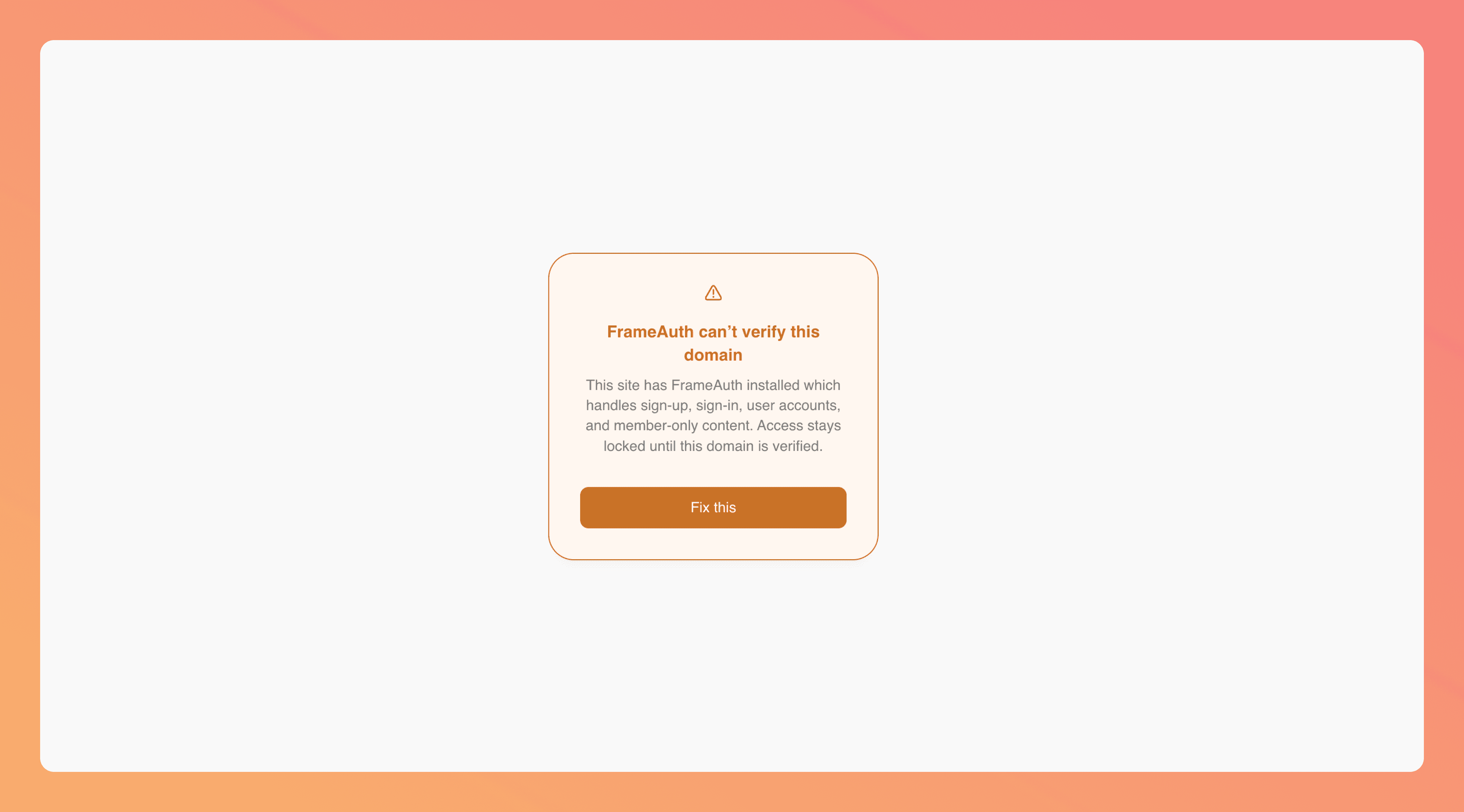
Let's remove FrameAuth from our template to remove the error with domains not verifying
Removing the FrameAuth script from the start of body will resolve this error and set our website back to functioning as normal.
1
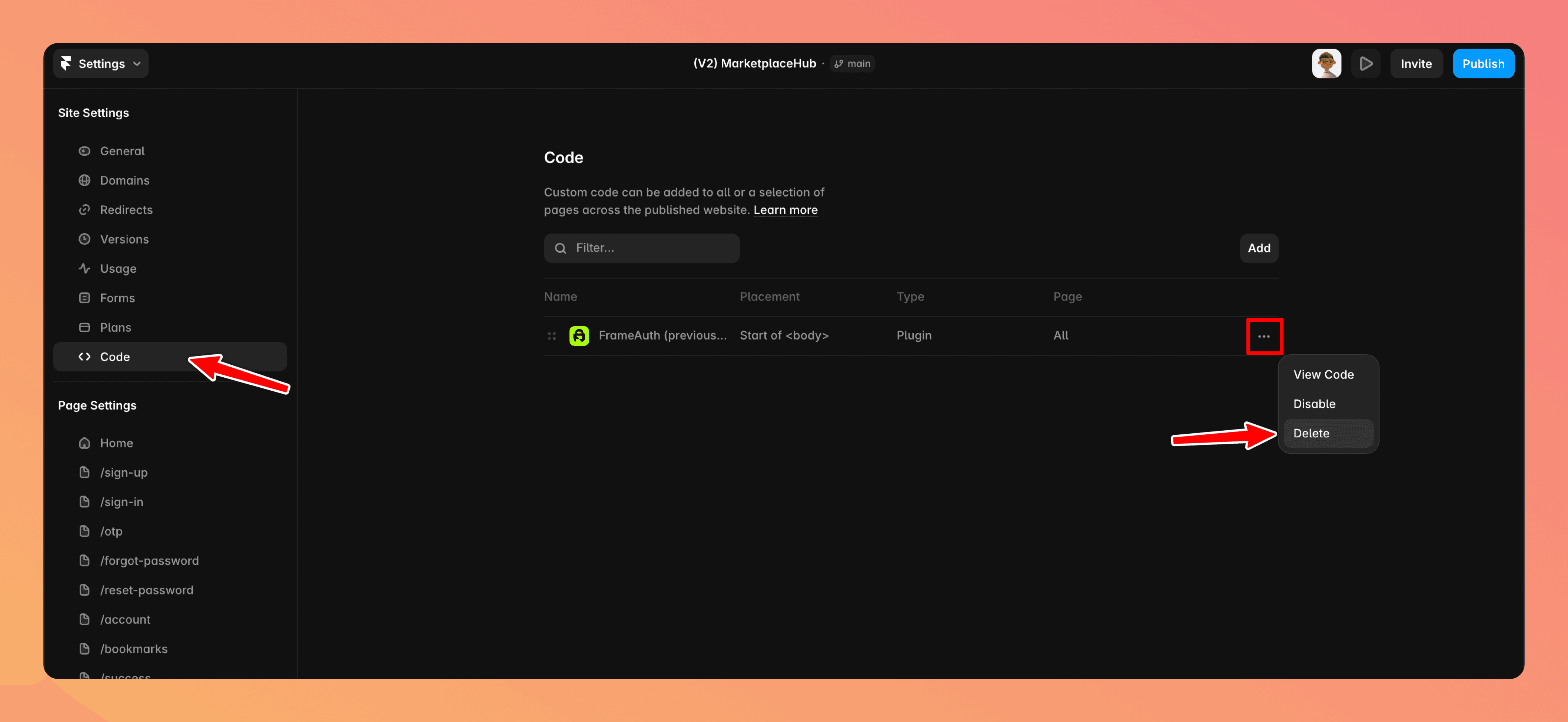
Go to settings > code > delete
Delete the FrameAuth script in your website settings. This will remove the connection and make your site fully functional again.
2
Publish your site
3
Done!
Your site will now go back to normal and auth functionality like sign up, sign in, user accounts, and member-only content will be deactivated.
Follow this guide in the future if you choose to activate auth features in your template.
FAQ
What should I expect after removing the FrameAuth script?
Authentication and member-only functionality from the remixed template will stop working. The rest of the template can remain in place.
Can FrameAuth be restored after it is removed?
Yes. Reconnect it by installing our FrameAuth plugin. If you've removed the auth components you can re-add them from the plugin.
Updated:
Need help? Talk with a human.