
Effortlessly lock entire pages or on-page sections and require a password to access them in Framer.
yoursite.com
/ebooks
/client-projects
/how-to-videos
Can you Password protect your Framer content?
Yes, you can password protect a single page on a Framer site with the FrameAuth plugin or, if you'd rather lock the entire site Framer offers its own built-in password protection. FrameAuth locks pages one at a time, or single sections inside a page. Let one person in, let a thousand people in, or charge for access.

"FrameAuth is a game-changer for designers who want to integrate membership functionality into their Framer projects without diving into complex code. Love their platform, resources, support and everything else."
Muhammad Talha,
2 Ways to lock content in Framer
/client-projects
Lock a whole page
Lock a page and it stops being public. Anyone who is not signed in gets redirected.

Locked
Locked

Locked
Lock sections
Leave the page open and lock the parts that matter. The rest of the page stays accessible for everyone.
See it working
A quick tutorial showing 3 ways to effectively password protect content in Framer

"FrameAuth is the best thing that happened to Framer. I quickly launched and validated my idea without any technical knowledge. Especially loved all the code overrides that allowed me to build a more complex project for thousands of users."
Filip Gadzinski,
FrameAuth vs. Framer's built in password protection
Using Framer's native password protection comes with many tradeoffs around customization and ease.

Framer natively provides password protection, and for some sites it is the right option. Where it gets tricky is when you need anything narrower than the whole site locking: one private page on a public site, one locked section, different content for different users, or the ability to let someone in today and not next month.

"FrameAuth is such a simple and effective way to go from a designer creating pngs to a founder with a real product with everything from authentication to restricted content and community without writing a single line of code."
Nabeel,
Built for Framer
How to password protect individual pages in framer
Use our plugin to add a small code snippet to your site's start of body tag in one click.
Add the sign in form from our plugin to act as the "password form." Later you can hide the email field to make it password-only .
Select which pages or content on your site should be password protected.

"FrameAuth makes it too easy to create and manage your membership site on Framer."
Easlo,
/client-projects
Deciding who can access Protected content
You can create a new account for each user or have one account with a shared password. This makes the experience flexible and easy to scale. Alternatively, add our sign up form and enable "sign ups require approval" to be notified for each sign up and manually approve them. Approved users can access, denied ones cannot.
course
Unlock
The Framer Maestre
Start with the basics then quickly scale up to building fully featured websites in Framer from 0 to proficient in 7 days. You'll be learning alongside a cohort of designers that share your ambition and skill level.
Unlock
Lock the content without hiding the page
A password-protected page is invisible to search engines by design. That is fine for client work but can be a problem for anything you actually want people to find.
Locking a section instead of the whole page keeps your content protected while keeping parts public. For example, the teaser content stays public, so search engines can still index the page, and the part you are protecting stays behind the password or login. It is the same pattern every paywalled publication uses, and it is why a gated article can still bring you readers.

Carol's lock and key
Carol had always been the kind of person who believed the best things in life came with a lock and key, so when she discovered she could gate her blog behind a members-only wall, something in her lit up like a kid finding a secret door in the back of a closet. She spent her evenings dreaming up velvet ropes for her recipes, her photography, her half-finished novel—not to keep people out, exactly, but to make the getting-in feel like an invitation worth having.
Unlock — $19/mo
Payment integrations
Put it behind a paywall instead of a password
A lock does not have to be free to open. Connect Stripe or Lemon Squeezy and the same page that asks people to enter a password can ask to purchase instead, either once or on a subscription. Someone who has paid unlocks the content; someone who has not sees whatever you want to show them in its place.
This can power a paid blog, a paid course, or a members area, and you keep 100% of what you charge. FrameAuth takes 0% commission on any sales.
showcase
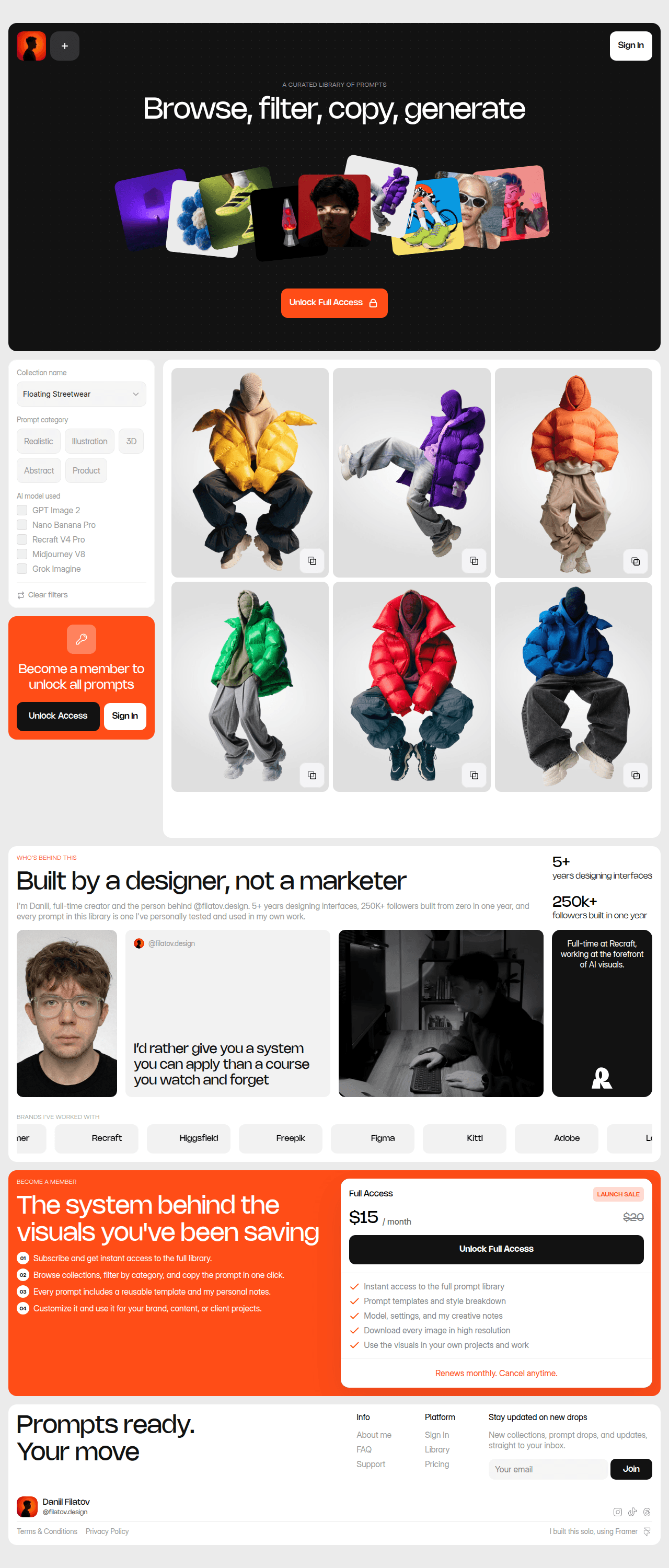
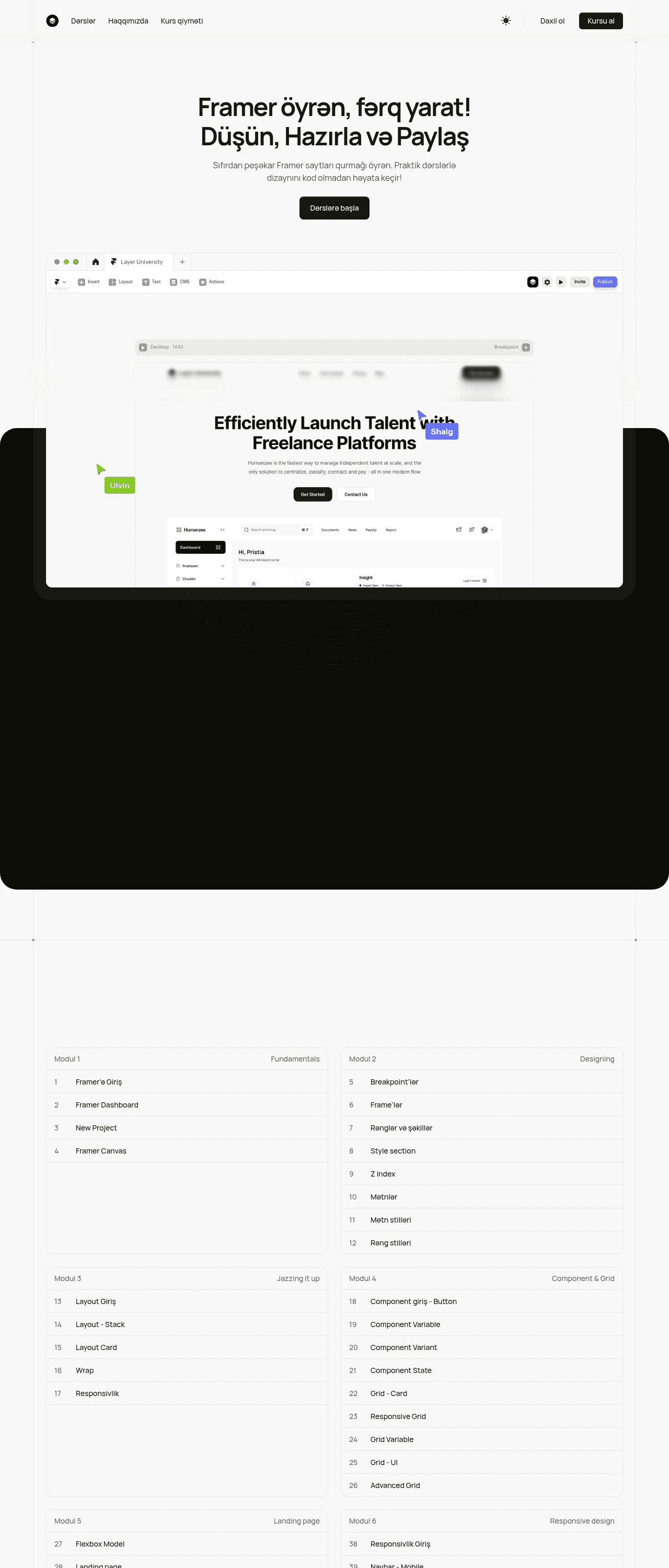
Made with FrameAuth
Join thousands of creators using FrameAuth to create thriving membership sites with exclusive content




Frequent Questions
Can you password protect one page in Framer instead of the whole site?
Yes. Framer documents its own built-in password protection at site level. FrameAuth locks pages one at a time, so a single private page can sit on an otherwise public site.
Can you lock part of a page rather than all of it?
Yes. You can lock a single section and leave the rest of the page open, so the page still works for everyone who has not signed in.
Do visitors need an account, or is there just one password?
Either way works. Invite people by email and they each get their own account, or make one account and share the password with everyone who needs access. You can easily hide the "email" field to make it a password-only experience.
Can I charge people for access instead of giving it away?
Yes. Connect Stripe or Lemon Squeezy and sell one-time access or a subscription. FrameAuth charges 0% commission on what you take.
Will a gated page still show up in Google?
It can, if you lock a section rather than the whole page. The part you leave visible stays crawlable, which is how paywalled articles still rank.
Do I need a paid Framer plan for this?
To password protect your website with Framer's native password protection, you will need a paid Framer plan. FrameAuth is a separate plugin billed on its own plan, so page locking does not depend on having a paid Framer plan.
Can I stop bots signing up to my gated pages?
Yes. You can add reCAPTCHA to the sign-up form to prevent bots. You can also require every signup to be approved before they can access.
Free 14-Day Trial
Password protect your content instantly in Framer
How many users do you have?

"My UI kit and template website has made over $136k and FrameAuth is the backbone that made it possible."
Solt Wagner,
Seamless lock sections or entire pages in Framer and customize the design of the locked experience to pixel perfection.